The ABC Atlas has been updated with new features.
View Marker Gene Expression from Cell Type Cards
When viewing Marker Genes on Cell Types gene sets can now be added to the gene panel for visualizing gene expression in the current data set
-
Click the Add set to genes button under a set of marker genes
-
The genes in the set will be added to the genes panel
-
The active view will be colored by the expression of the first available gene in the list
Please note: genes listed as marker genes may not be available in the current data set

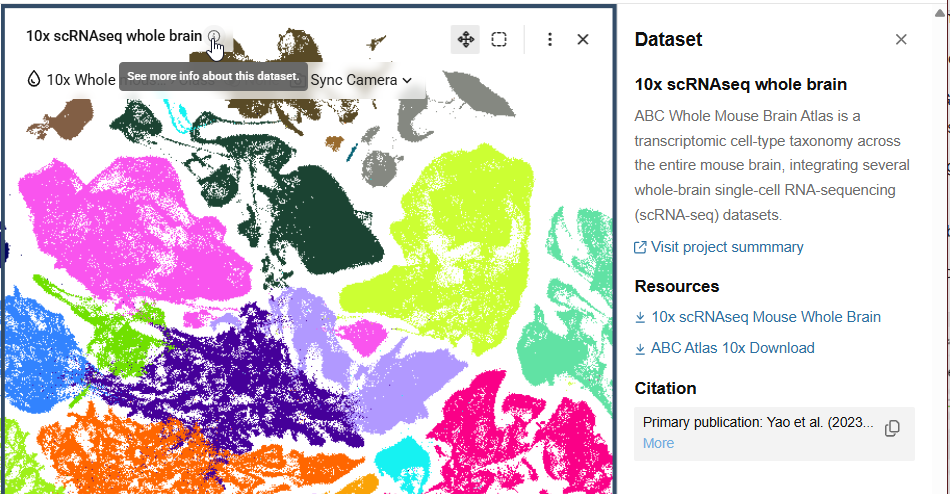
Access data set info from view headers
Open the information panel for the current data set by clicking on the (i) next to the title at the top of a view
New icons in the visualization frame
Icons in the view header have been updated please see below for details of the change

ABC Atlas Assistant Public Preview
A new ABC Atlas AI Assistant is being made available for temporary public preview in conjunction with the Society for Neuroscience Conference. Please see this topic for detailed release notes: Introducing the ABC Atlas AI Assistant! Now in Public Preview for SfN!
As always, thank you for being part of the Allen Institute community. Please let us know how we can improve the ABC Atlas to better serve your needs.